Save the Videos
You Love
Choose the resolution or format you prefer, right from a Chrome extension connected to a desktop app.
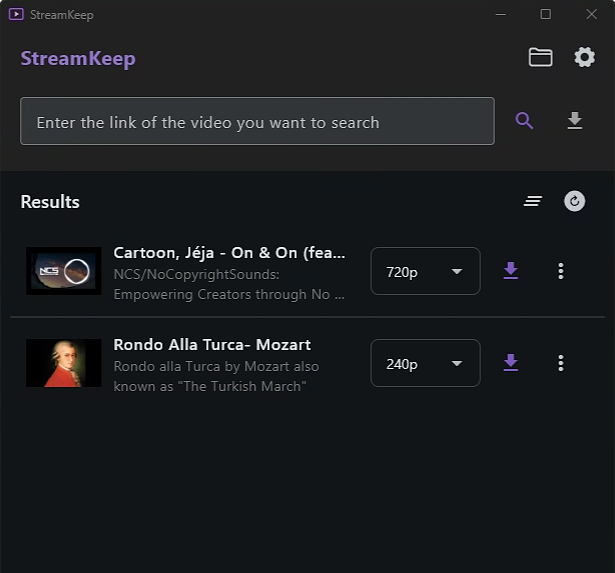
Features
StreamKeep combines a browser extension with a desktop application to make saving videos or audio simple and private. The desktop app runs in the background and the extensions depend on it to function.
Local Processing
All downloads happen on your computer. No uploads, no external servers, complete privacy.
One-Click Downloads
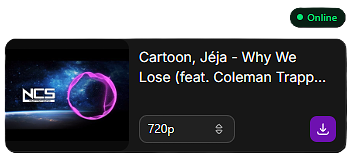
Use the browser extension to detect and download videos directly from supported websites.
Multiple Resolutions & Formats
Download videos in 1080p, 2K, 4K, and more. You can also extract audio-only files in MP3 format.
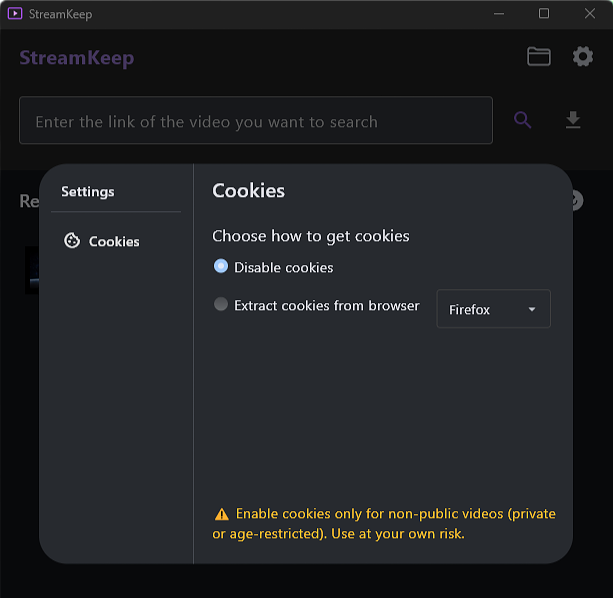
Cookies Configuration
Configure cookies for sites that require authentication, giving you more access to content.
Get Started with StreamKeep
To use the browser extensions, you must first install and run the StreamKeep desktop app. The desktop app runs in the system tray and acts as a local server for the extensions. You can also use the desktop app directly to download videos and audio.
Note: To use the browser extensions, the StreamKeep desktop app must be running first (either open or in the system tray).
Frequently Asked Questions
Got questions? We have answers.
The desktop app acts as a local server on your computer. When you click the extension button to download a video, the extension communicates with the desktop app to handle the actual download. This architecture allows for more reliable downloads and better integration with the system.
Yes. Once you launch the desktop app, it stays running in the system tray even when you close the window. This ensures the extensions can always communicate with it. You can right-click the tray icon to quit the app completely.
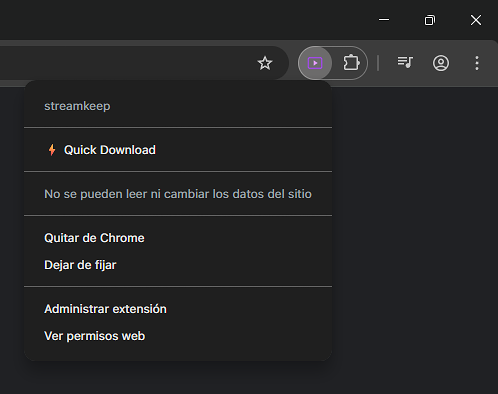
1. Make sure the desktop app is running. 2. Download the .zip file from our website. 3. Go to chrome://extensions/ in Chrome. 4. Enable "Developer mode" (toggle in the top right). 5. Drag and drop the .zip file into the extensions page. 6. If the extension button is disabled, try refreshing the page or ensure the desktop app is running.
Some websites require you to be logged in to access their content. The desktop app allows you to configure cookies from your browser, enabling you to download content from sites that require authentication.
Yes, StreamKeep is completely free to use. Both the desktop app and browser extensions are available at no cost. If you'd like to support the project, you can make a donation.
StreamKeep supports downloading from most major video platforms. The extension detects playable videos while you browse. The desktop app also supports direct URL downloads.